01
Core Dashboard
The private account foundation for the owner, enabled tools, login access, and the overall Business Tools structure.
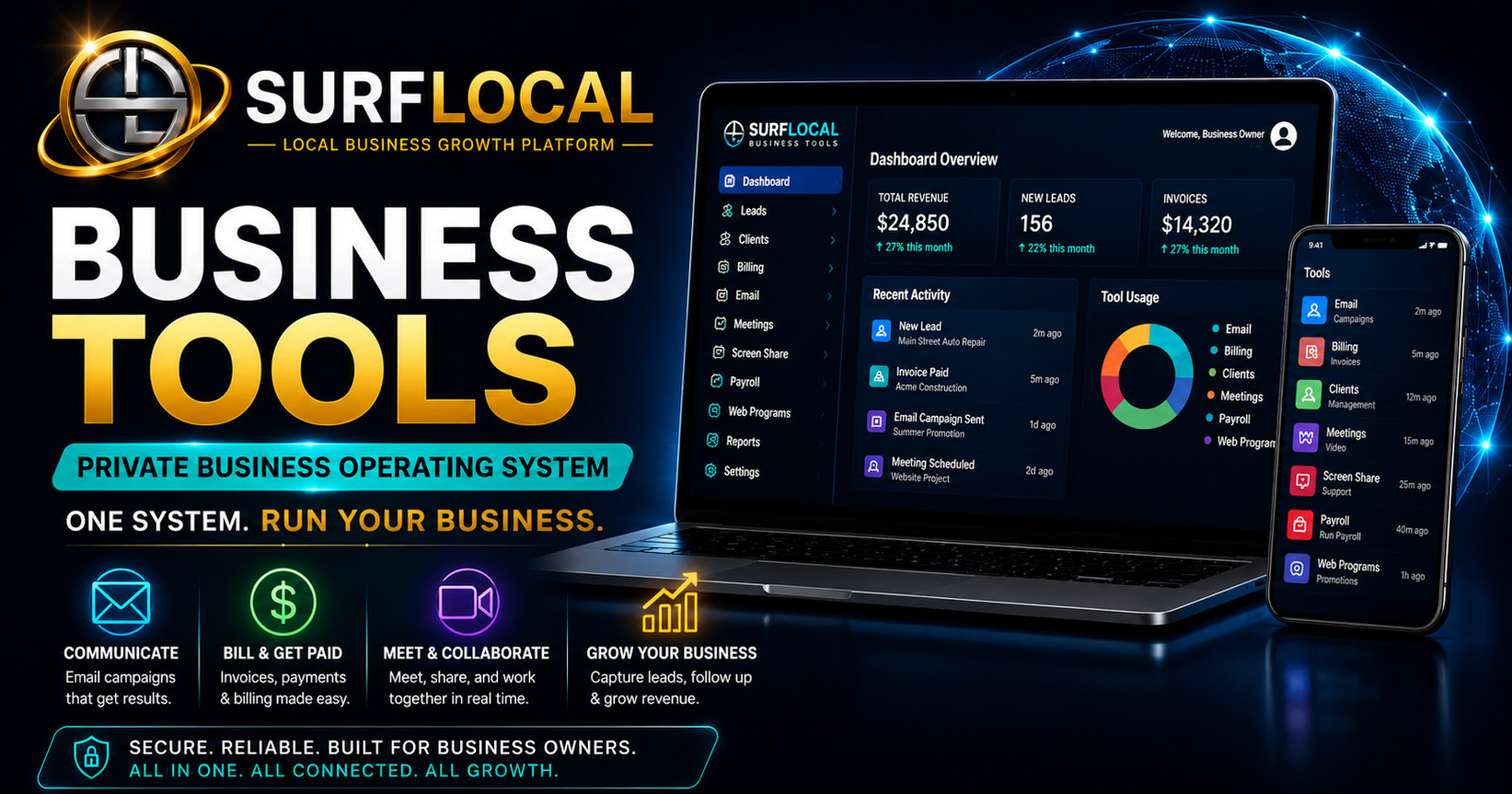
SurfLocal Media Business Tools starts with a private dashboard, a defined team structure, and a modular set of tools. This guide explains what the current system includes, what each priced tool is for, how the pieces can connect, and how a business can grow the account without rebuilding everything from scratch.
The system is easier to understand when it is viewed in layers. The dashboard is the foundation; people and permissions define who does what; optional tools support specific workflows; additional modules can be added later.
The private account foundation for the owner, enabled tools, login access, and the overall Business Tools structure.
Organize the owner, managers, and sales users around the responsibilities and tool access each role actually needs.
Add communication, meetings, client records, billing, payroll, screen sharing, and promotional web tools as needed.
Add more users or workflow modules later without changing the basic account structure or forcing an all-or-nothing software bundle.
The source guide describes a connected operating model. A business does not have to use every step, but the tools are designed so a promotion, customer message, relationship record, follow-up activity, billing record, and internal back-office process can live inside the same Business Tools environment.
The current guide is built around three working levels: owner, managers, and sales users. The owner retains account-level authority; managers support oversight; sales users work the customer-facing tools appropriate to their role.
Controls the overall Business Tools account, tool direction, users, permissions, and the owner-level workflows that require the highest authority.
Help oversee client, sales, operational, billing, or other assigned activity using the access the owner has approved.
Use selected customer-facing tools for promotions, communication, follow-up, client activity, presentations, and other assigned sales workflows.
These prices are carried forward from the uploaded guide. Individual product pages explain each tool in more detail.
The private dashboard foundation where the business account, team structure, and enabled tools begin.
Customer follow-up, promotions, reminders, newsletters, updates, and organized email outreach.
Live demos, guided setup, troubleshooting, onboarding, customer support, and walkthroughs.
Business meetings, consultations, onboarding, customer reviews, and team communication.
Employee records, onboarding documents, payroll-run records, settings, saved snapshots, and history.
Client records, account status, notes, files, relationship history, and follow-up activity.
Estimates, invoices, quick bills, client review links, billing status, and payment follow-up.
Focused public pages for offers, coupons, specials, campaigns, and business messages.
The uploaded guide states that the core account includes one owner, two managers, and three sales users. Additional manager and sales-user seats are priced separately.
Owner-level account control is part of the current core structure described by this guide.
These included seats are stated in the uploaded System Guide.
Per month for each additional seat, according to the current guide.
Tell SurfLocal Media how your team is structured, which workflows matter first, and which tools you expect to use. This form keeps the original required account-key rules, lead-board save, email notifications, honeypot, math check, and fixed return path.