Call answering and handoff
Set when the AI answers, including after-hours scenarios, and when a caller should be transferred or sent to voicemail.
 SurfLocal.biz
← Back to the Shop
Customized AI · Benefits
Set up AI to answer calls, ask the questions your business needs answered, and hand requests to your team or an approved connected system.
Custom quote Scoped around your business
One free hour with our development team. Bring one workflow you’d like to improve.
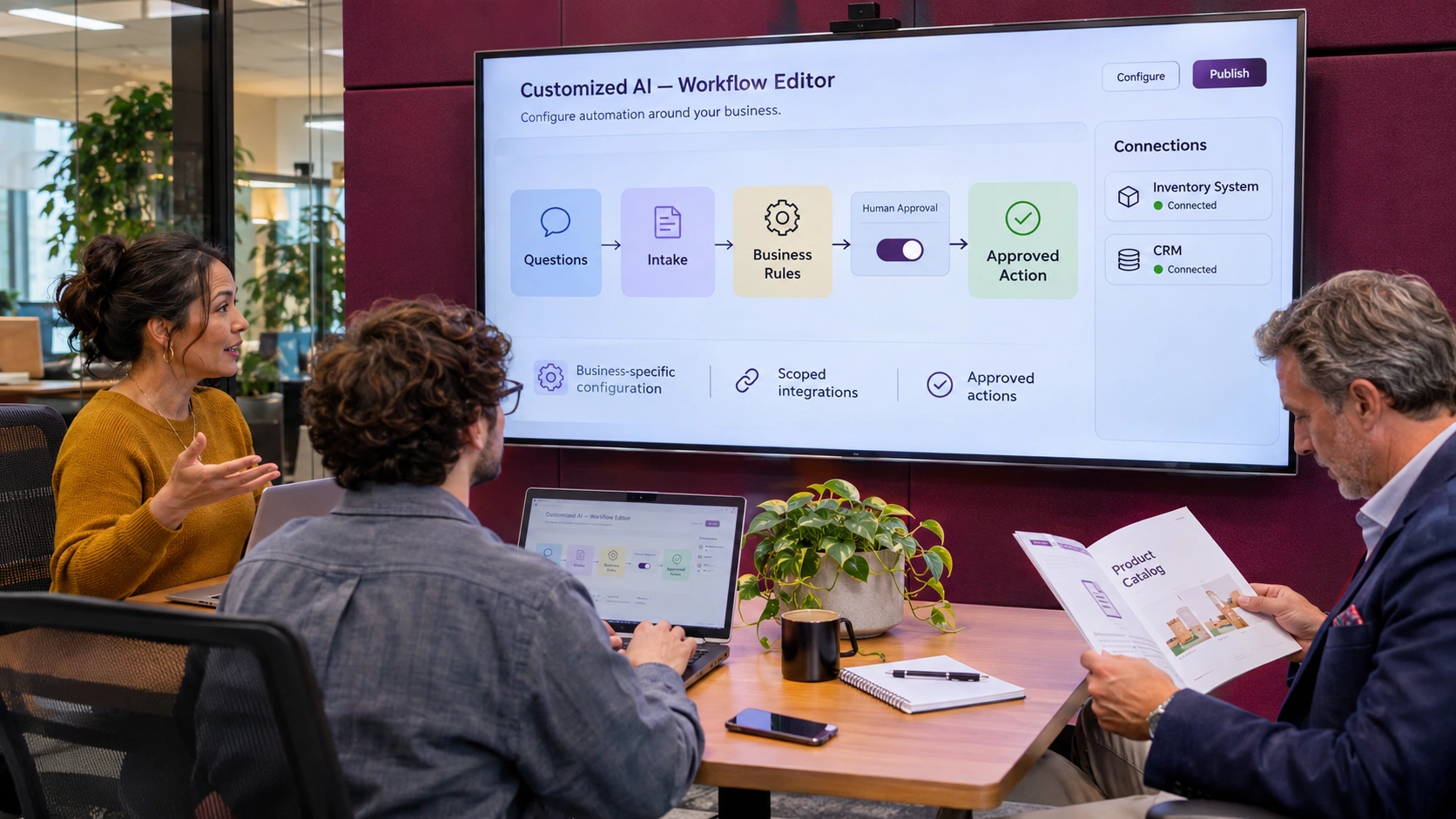
Your project defines which conversations the AI handles, what information it can use, and which actions it can take. Each workflow follows your business rules.
Set when the AI answers, including after-hours scenarios, and when a caller should be transferred or sent to voicemail.
Give the AI approved information such as your services, hours, service area, catalog, and answers to common questions.
Decide what the AI should ask and record, such as a callback number, location, type of job, and urgency.
Capture the caller’s preferred time. With a supported calendar and booking permission, a scoped workflow can also check availability and confirm a slot.
Collect items, quantities, and delivery or pickup preferences. Send the request to staff or an approved order system, depending on the scope.
Decide when a person should take over, such as for unusual pricing, urgent calls, or requests that require approval.

When scoped alongside SurfLocal Phone and Office, the phone dashboard and Office tools give your team a place to review and act on what the AI collects.
Review the conversation and the customer’s previous activity.
See what the customer asked for and what someone needs to do next.
Use Office to keep customer details, prepare estimates, and issue invoices when those tools are in your plan.
Choose where each approved action goes, such as a supported calendar, lead system, or order system.
Agree what information the AI may use, who receives an exception, and where a person must approve the next step.
Define what your team sees when an action succeeds or needs to be handled manually.

Walk through a typical call with SurfLocal and identify where your team spends time or misses information.
Choose the questions, answers, actions, integrations, approvals, and quote for your project.
Give SurfLocal the approved business information and test sample conversations and handoffs.
Test the specific call, lead, booking, or order path before relying on it in daily operations.
It is quoted around the workflow. Setup, recurring charges, integrations, and usage terms are agreed for your project.
It can collect a preferred time. A confirmed booking requires a supported calendar connection, availability, and permission to reserve the slot.
An intake workflow can collect order details for staff. Submitting an order requires an appropriate connection and authorization. See AI Order Fulfillment.
Phone handles the line and communications dashboard. Office adds business records and tools. Your quote specifies how those services and the AI workflow are configured together.
Start with SurfLocal’s free one-hour AI assessment.