Your package scope
Three Virtual Ads and six-category coverage.
 SurfLocal.net← Back to the Shop
Premium Advertising Package
Get three Virtual Ads across six categories. Give your core service, seasonal offer, and specialty work distinct messages and decide how each one should get a response.
$349 / month$599 one-time build
After payment, open the success page to start onboarding this order.
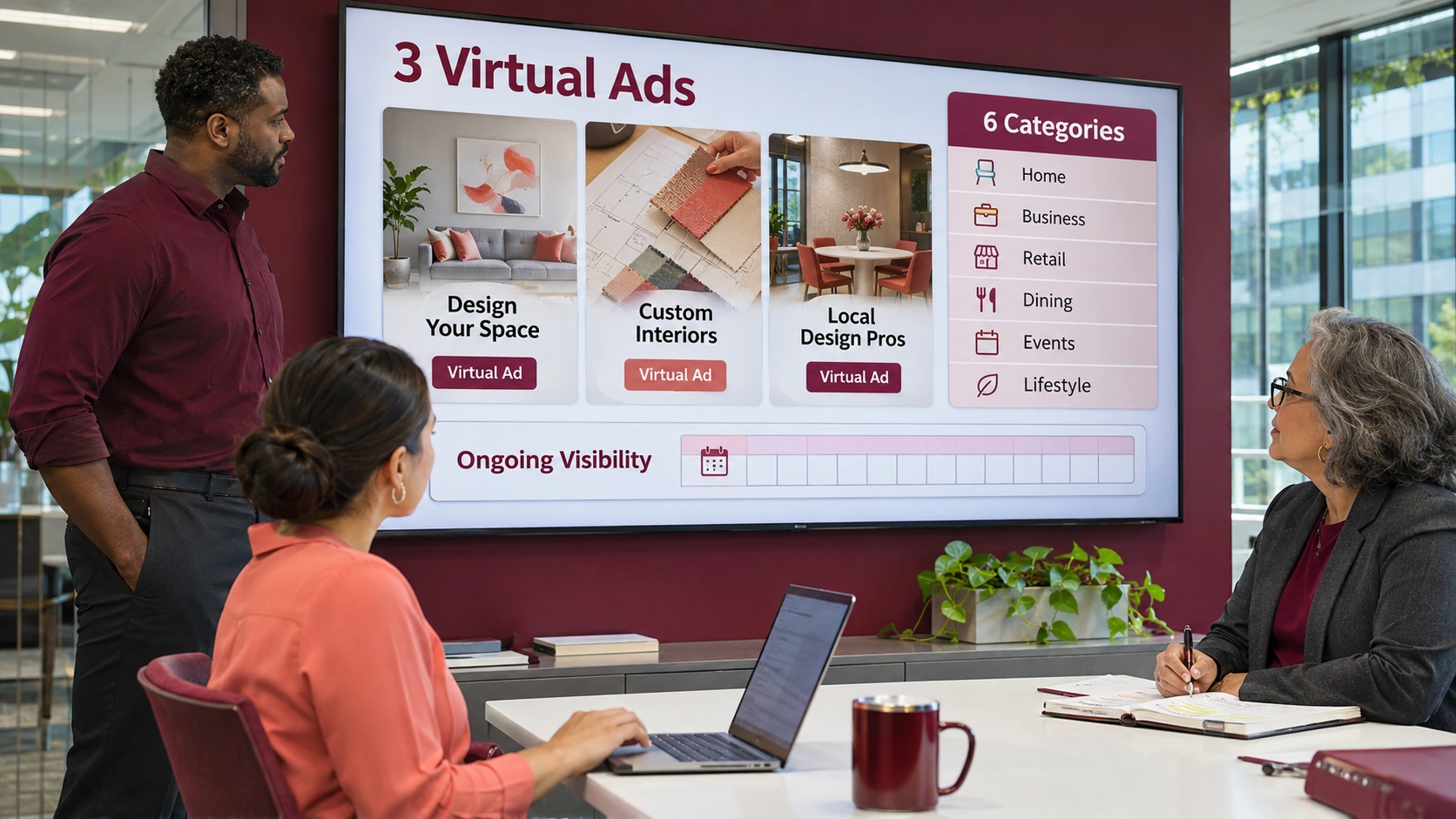
Three Virtual Ads and six-category coverage.
Give each creative its own purpose, such as maintenance, repair, or an estimate.
Match the category and destination to each message so shoppers see a clear continuation after the click.
A homeowner finds a replacement message, opens a page explaining options, and considers requesting an estimate.
An estimate destination can ask about the project while a maintenance destination can ask whether the customer wants a service visit.
When those response paths are connected, follow the related inquiries from the client workspace and use the tools assigned to that setup.
Connect the package under your client ID. If you already have an account, identify it when onboarding the order.
You can connect additional coupons, ads, or Marketing OS campaigns to the appropriate existing back office.
Choose the offer and review the build fee and monthly charge at checkout.
After payment, the success page is where you start onboarding. Have your service details, service area, and approved materials handy.
Tell SurfLocal if you already have a client ID. During setup, agree on where the ads point and where inquiries from each connected campaign should go.
Open the leads attached to your setup and use the follow-up tools included with your account.
Premium increases the package from two to three Virtual Ads and from four to six categories.
Bring the offers, service areas, categories you want to reach, and the target page or customer action for each message.
Start with this offer and build on it as your business grows.