A custom brief
Describe the audience, the goal, and what success looks like for the campaign.
 SurfLocal.net← Back to the Shop
Custom Marketing Ad
Use a custom layout and message built around the decision you want a customer to make. The Custom Marketing Ad includes the full back office.
$397 / month$799 one-time build
After payment, open the success page to start onboarding this order.
Describe the audience, the goal, and what success looks like for the campaign.
Bring the creative assets and offer details that the page needs to communicate clearly.
Choose where an interested visitor should go and who should receive each inquiry.
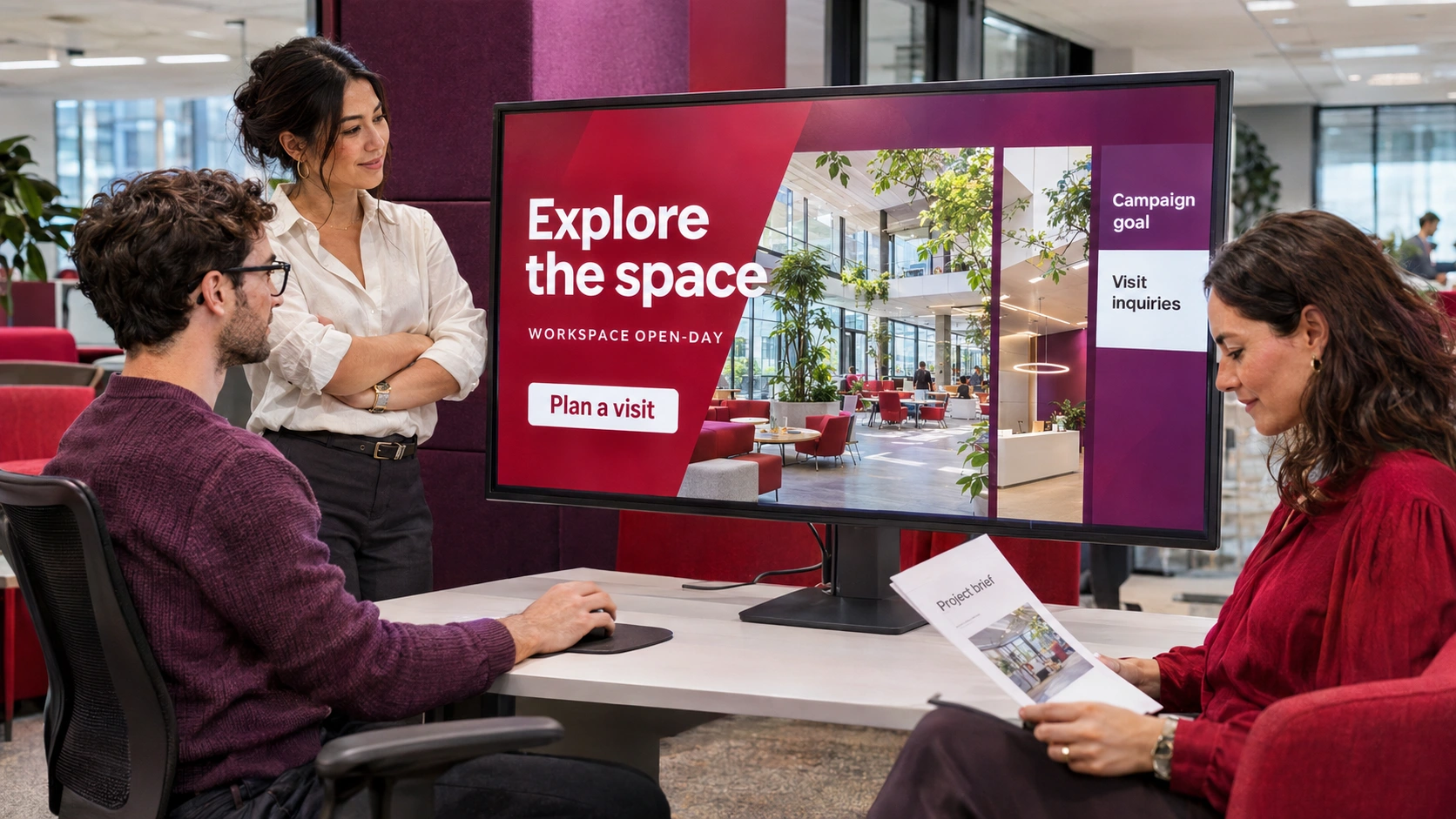
A local company announces a demonstration event with dates, service details, and photos.
The page invites a prospective customer to ask about attending.
The connected response path gives the owner a way to review the inquiry and contact the customer.
Every Marketing Ad includes the full back office. In a connected setup, the owner can open the campaign and work its incoming responses from the assigned tools.
Additional coupons, Marketing Ads, and Marketing OS campaigns can connect to the same back office when you grow.
Choose the offer and review the build fee and monthly charge at checkout.
After payment, the success page is where you start onboarding. Have your service details, service area, and approved materials handy.
Tell SurfLocal if you already have a client ID. During setup, agree on where the ads point and where inquiries from each connected campaign should go.
Open the leads attached to your setup and use the follow-up tools included with your account.
During onboarding, agree on the layout, content, customer action, and campaign routing around your business objective.
Use the success page to start onboarding. Bring the offer, creative materials, and the intended response so SurfLocal can plan the build and account connection.
Start with this offer and build on it as your business grows.