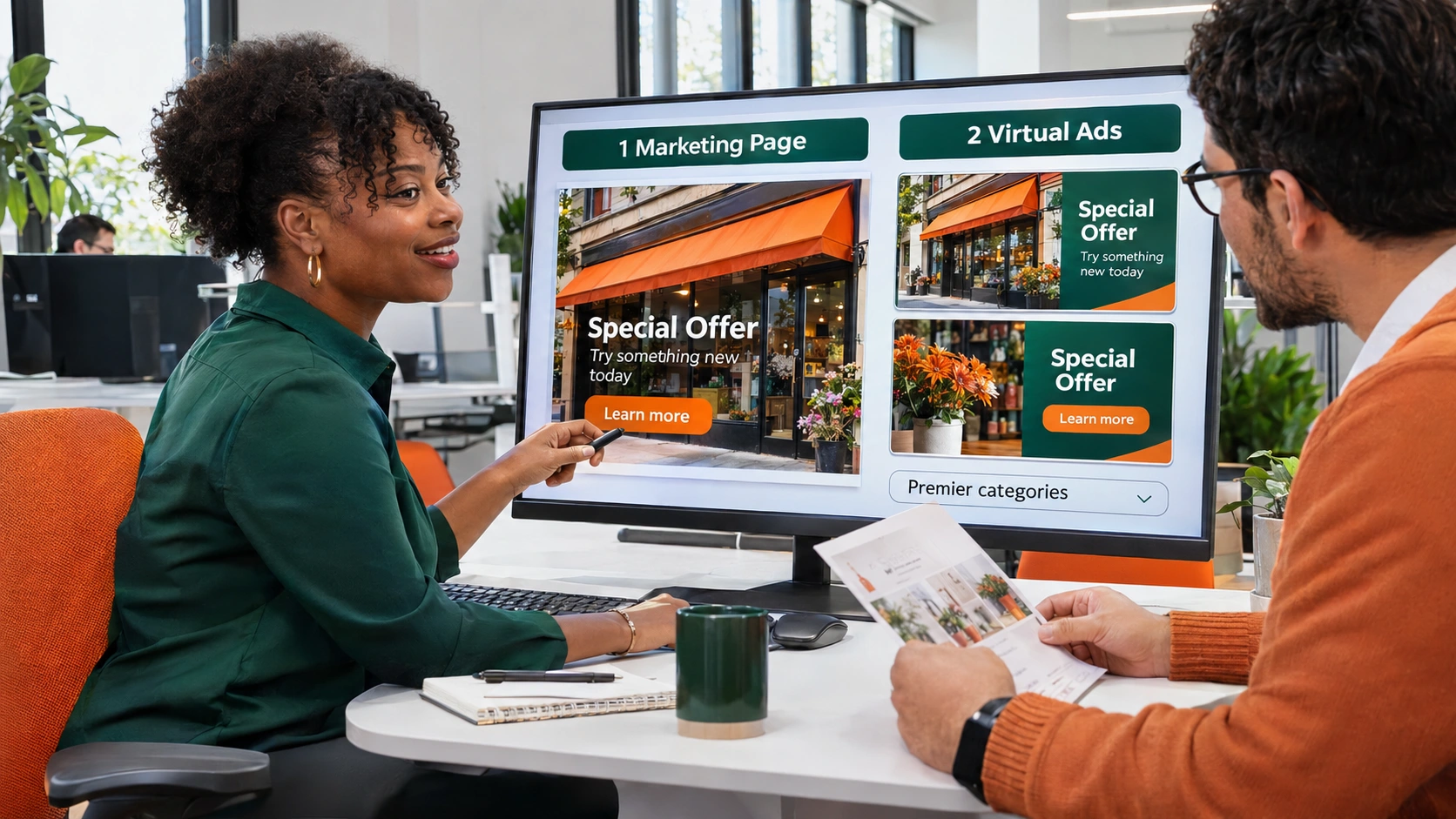
1 Marketing Page
Give the tune-up campaign a dedicated page with service details, proof, and a way to ask about availability.
 SurfLocal.net← Back to the Shop
Basic Marketing Package
Get one Marketing Page, two Virtual Ads in premier categories, and the full back office included with the Marketing Ad. The placements introduce the campaign and the page gives shoppers the full story and a next step.
$349 / month$699 one-time build
After payment, the success page is where you start onboarding all three campaign pieces.
Give the tune-up campaign a dedicated page with service details, proof, and a way to ask about availability.
Introduce the offer to people browsing a category relevant to seasonal home maintenance.
Introduce the same campaign from a second relevant category using another message the buyer can understand quickly.
The Virtual Ads create two ways to reach the offer. This example sends both placements to the same Marketing Page.
The Marketing Page explains the service and gives the customer a way to respond. Agree on the form or next action and where the resulting inquiry should go during onboarding.
Connect the pieces under your client ID. Your team can use the full back office included with the Marketing Ad to work the inquiries attached to your setup.
Give interested customers a time-sensitive reason to ask about the service.
Give replacement estimates a dedicated message and a response form built around that job.
Market a service in another city you serve and connect that campaign to your existing back office.
Choose the offer and review the build fee and monthly charge at checkout.
After payment, the success page is where you start onboarding. Have your service details, service area, and approved materials handy.
Tell SurfLocal if you already have a client ID. During setup, agree on where the ads point and where inquiries from each connected campaign should go.
Open the leads attached to your setup and use the follow-up tools included with your account.
One Marketing Page and two Virtual Ads in premier categories. The Marketing Ad includes the full back office.
Yes. Tell SurfLocal which client ID to use when adding another campaign.
Choose the primary service or offer, identify the audience, gather any photos or proof, and decide what you want a customer to do after reaching the page.
Start with this offer and build on it as your business grows.