Business Profile
Start with your business category, the services you provide, and the places you serve. The profile gives Opportunity Finder and the marketing tools a common starting point.
 SurfLocal US
← Back to the Shop
Business Platform · Benefits
Use SurfLocal to choose a service and market, turn that opportunity into a draft, and create a live page that gives customers a way to contact you.
$129 / month$499 one-time setup
Start with your business details and category. Confirm Business Platform and the price at checkout before paying.
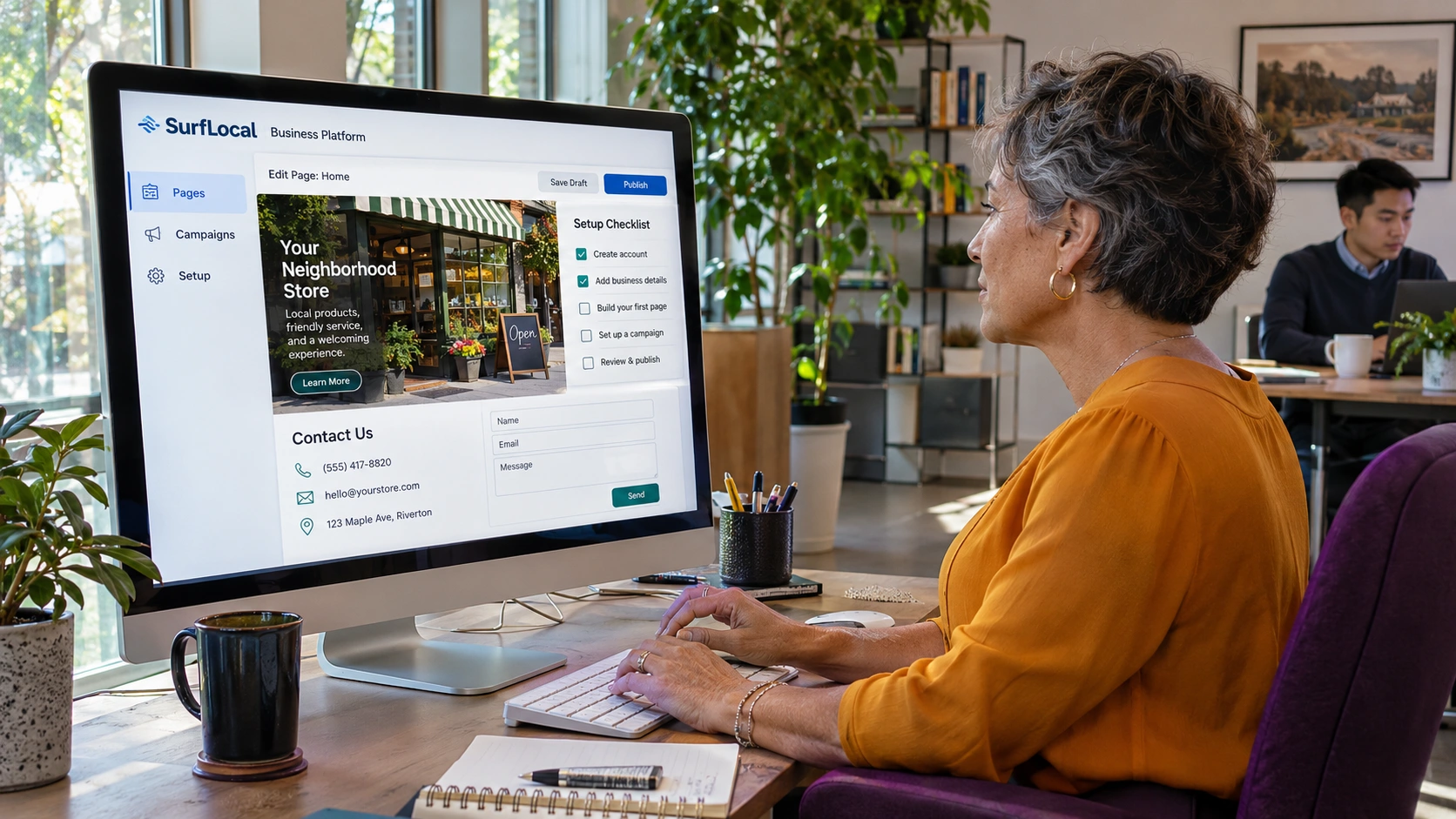
Start with your business category, the services you provide, and the places you serve. The profile gives Opportunity Finder and the marketing tools a common starting point.
Review service and market opportunities. SurfLocal organizes them with its own score, priority level, and reasons to help you choose what to promote.
Carry the selected opportunity into a marketing draft. Review its headline, description, offer, keywords, and call to action before publishing. A configured page can connect to inquiries, booking requests, or chat.
Use category and market information to frame the opportunity. The type of evidence depends on the tool and which sources are connected.
Domain Creator has a SerpApi research path for reviewing Google search results by keyword and location. This helps you see which results already appear in the market. SurfLocal can use its own competition score to summarize that research.
When a site is connected, Domain Creator can use its Search Console queries, impressions, clicks, click-through rate, and position to spot pages or topics worth improving. These metrics describe the connected property’s visibility in Google Search.
Opportunity Finder uses SurfLocal’s category library and its own scoring and explanations. Choose an opportunity that fits your services and location, then check the available evidence before drafting.
Search Console impressions refer to the connected property. Compare research evidence and the business fit before you choose where to focus.
Choose AC tune-ups and the market you serve. Review the recommendation and its reason before deciding whether to promote it.
Carry the service and market into MarketOS. Check the headline, service details, offer, and what the customer should do next.
After review, publish the page through the available workflow. If a lead form is configured, a homeowner can request service and your team can follow up.
Choose the main category that best describes your business.
Confirm Business Platform and the setup and monthly amount shown before checkout.
Follow the activation instructions for the order.
Use the research to choose a direction. Google controls indexing and ranking, and results depend on the site, market, and published page.
The shared onboarding form starts with business details and category. Review which plan and charges are shown before you pay.
Use the available review or approval workflow to check business facts, offers, and calls to action before publishing.
$499 one-time setup · $129 per month